
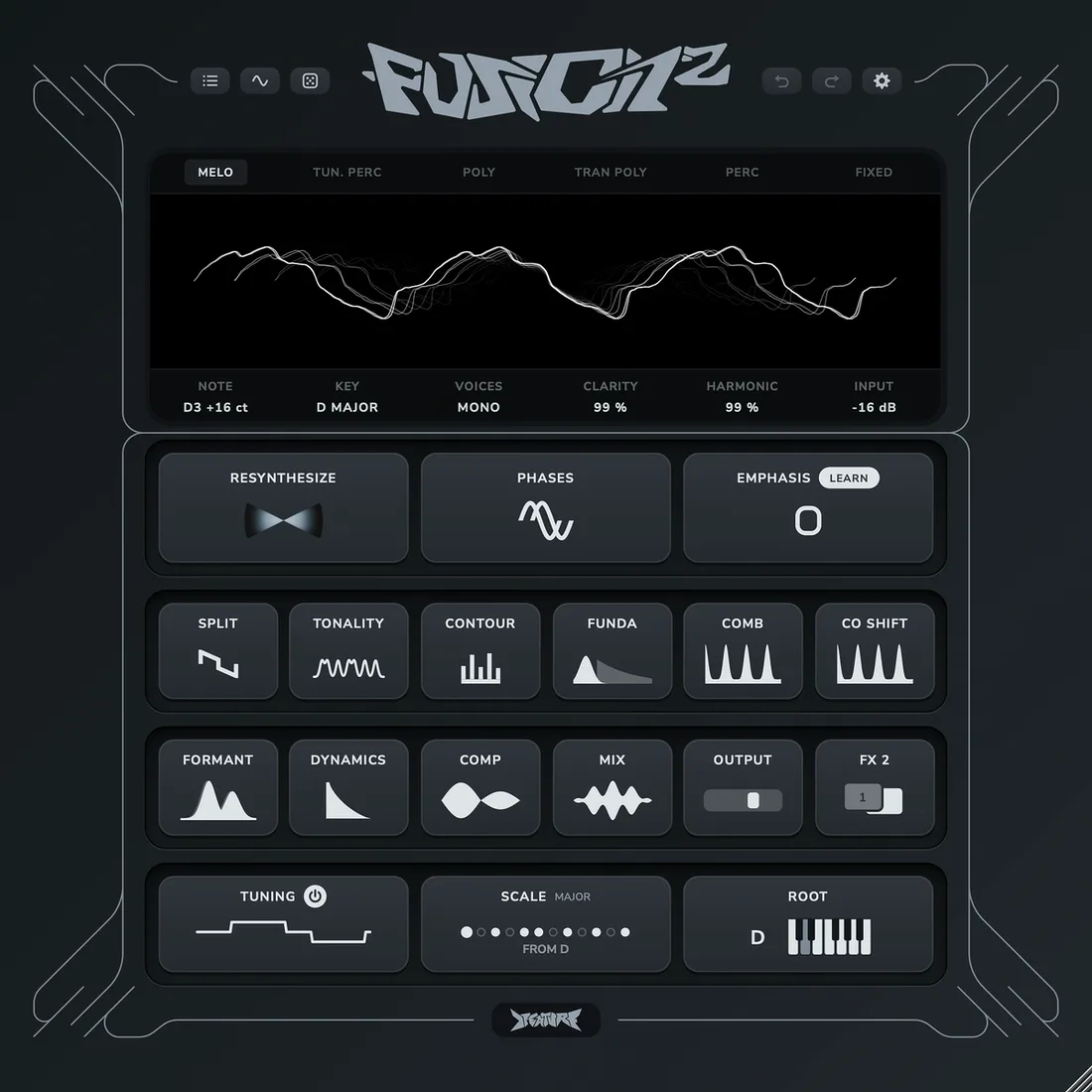
FUSION 2 hears every partial of what you play into it, in real time, and builds the sound again. Leave the controls and you get your sound back, bit for bit. Turn one and you shape it from the inside.
THE PANEL
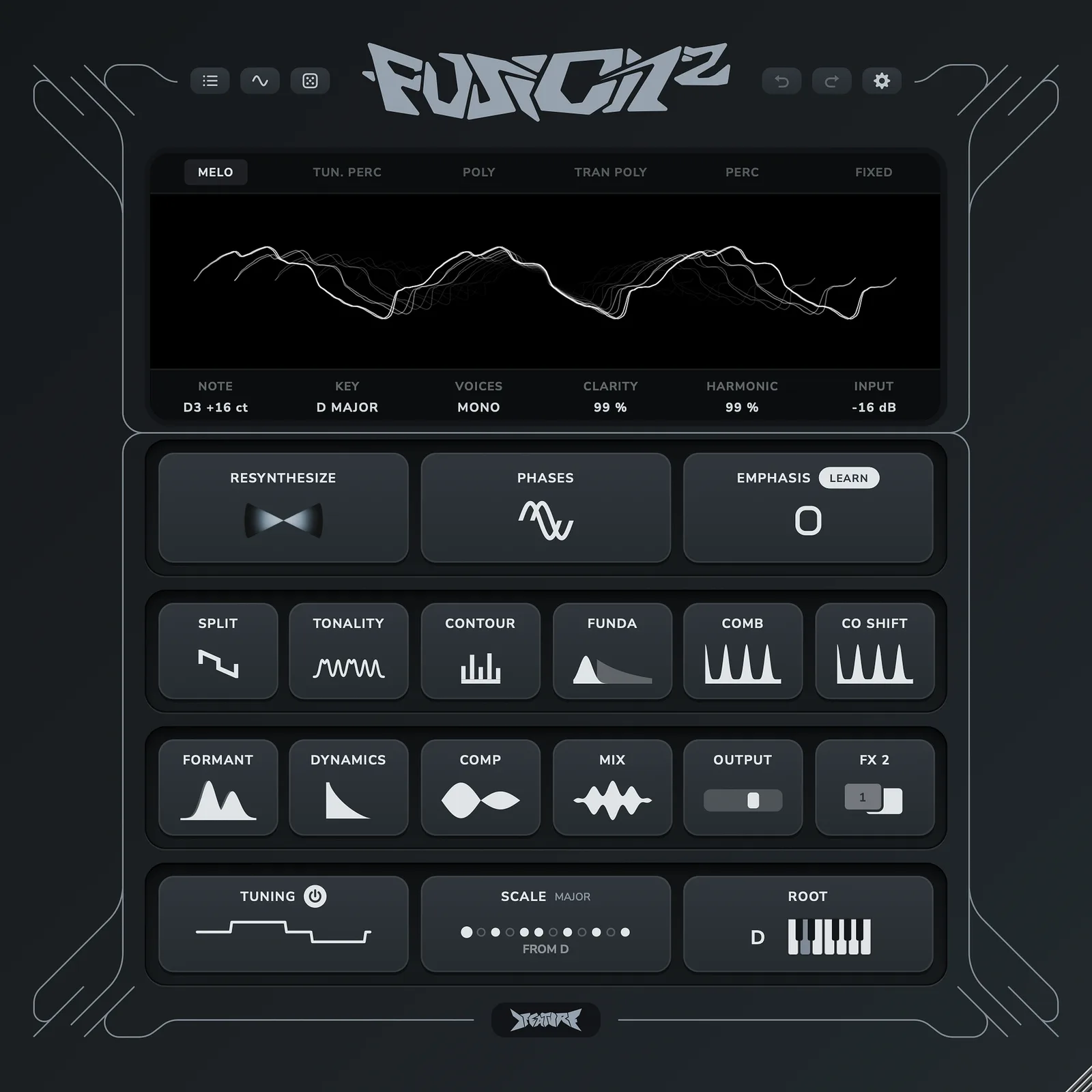
Every part of FUSION 2, explained where it sits. Pick a loop, press play and drag any tile, up and down as in the plug-in, or click it: you hear what it does. You hear the tile in orange; tiles you set before keep their value in grey, a click brings one back.
MELD fuses two sounds into a new one: yours and a second one on the sidechain. First the timbre moves across, then the melody. Halfway, it is a vocoder. Ten ways from A to B, and an XY pad to steer between them. Drag the dot.
Adrive from hereBi couldn't carry it anymore
MELD
X-FADE 0 %MELD 35 %
EQ Classic: the formants first, the melody late.
Ten categories, from bass to atmos, all matched in level to what goes in. Rest the pointer on one and you hear it before you load it.
Draw each one as a curve of points and drag it onto any tile, any module included.
Below 60, 100 or 150 Hz the sound passes through untouched. The kick and the sub stay yours.
Make any sound the one every new instance opens with, modules and LFOs included.
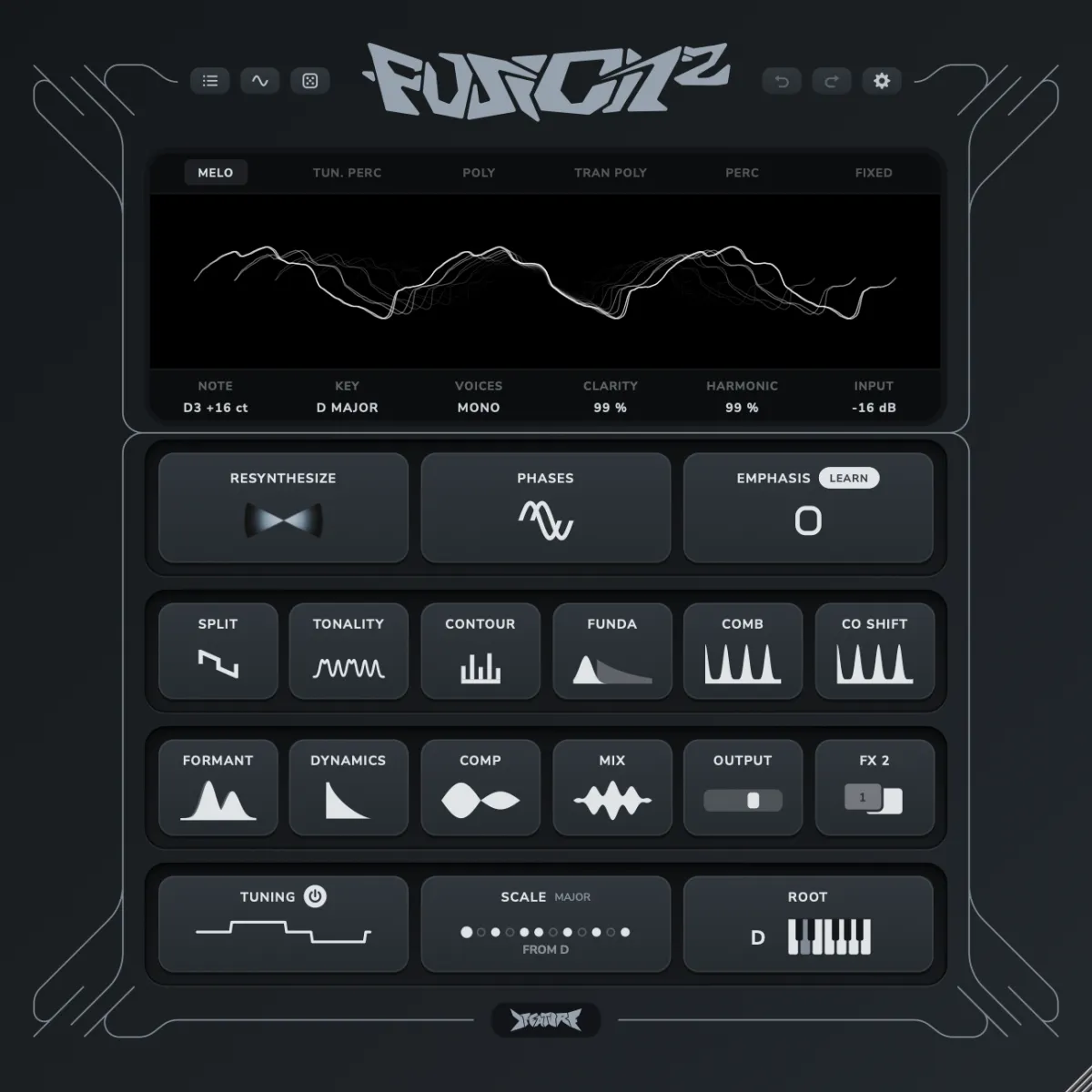
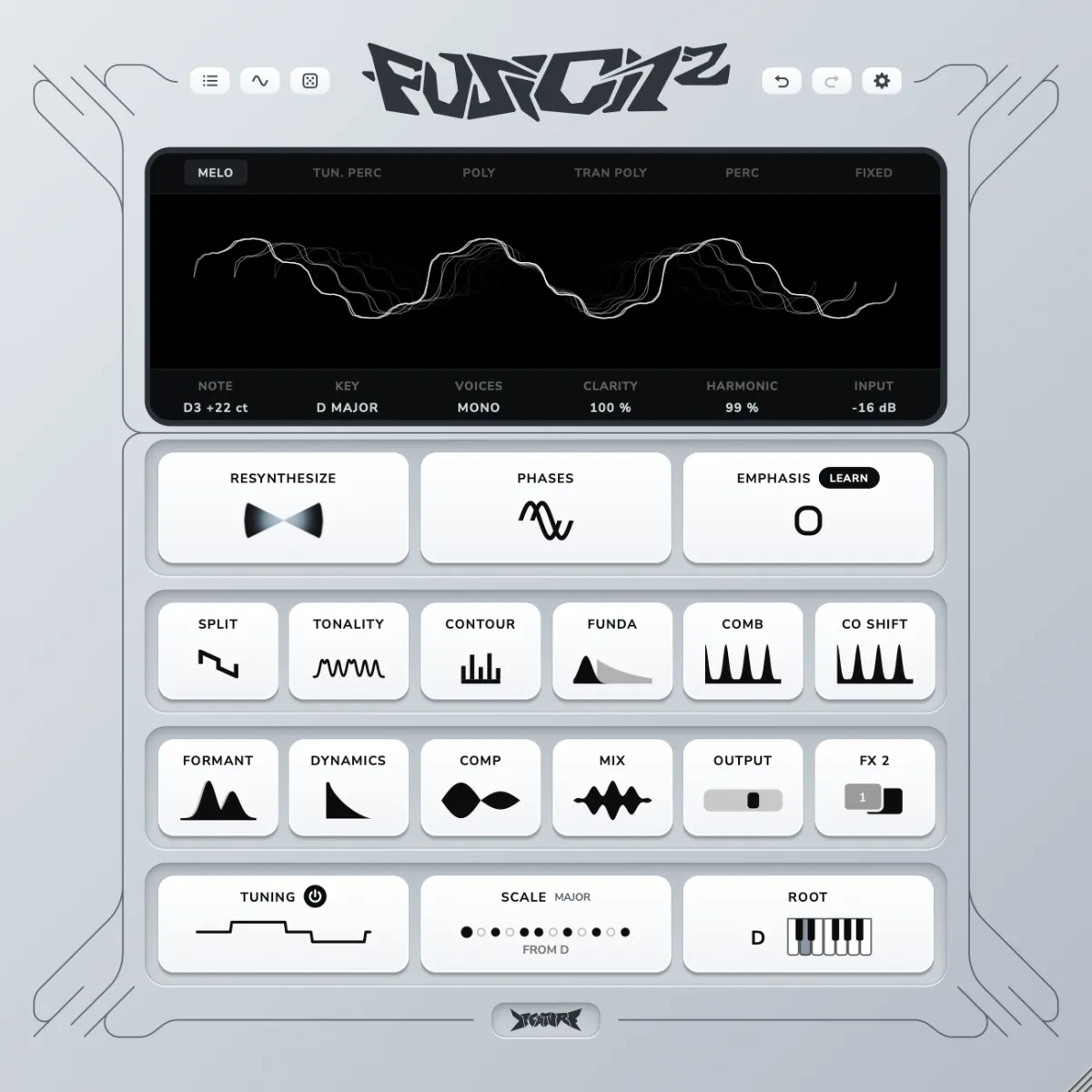
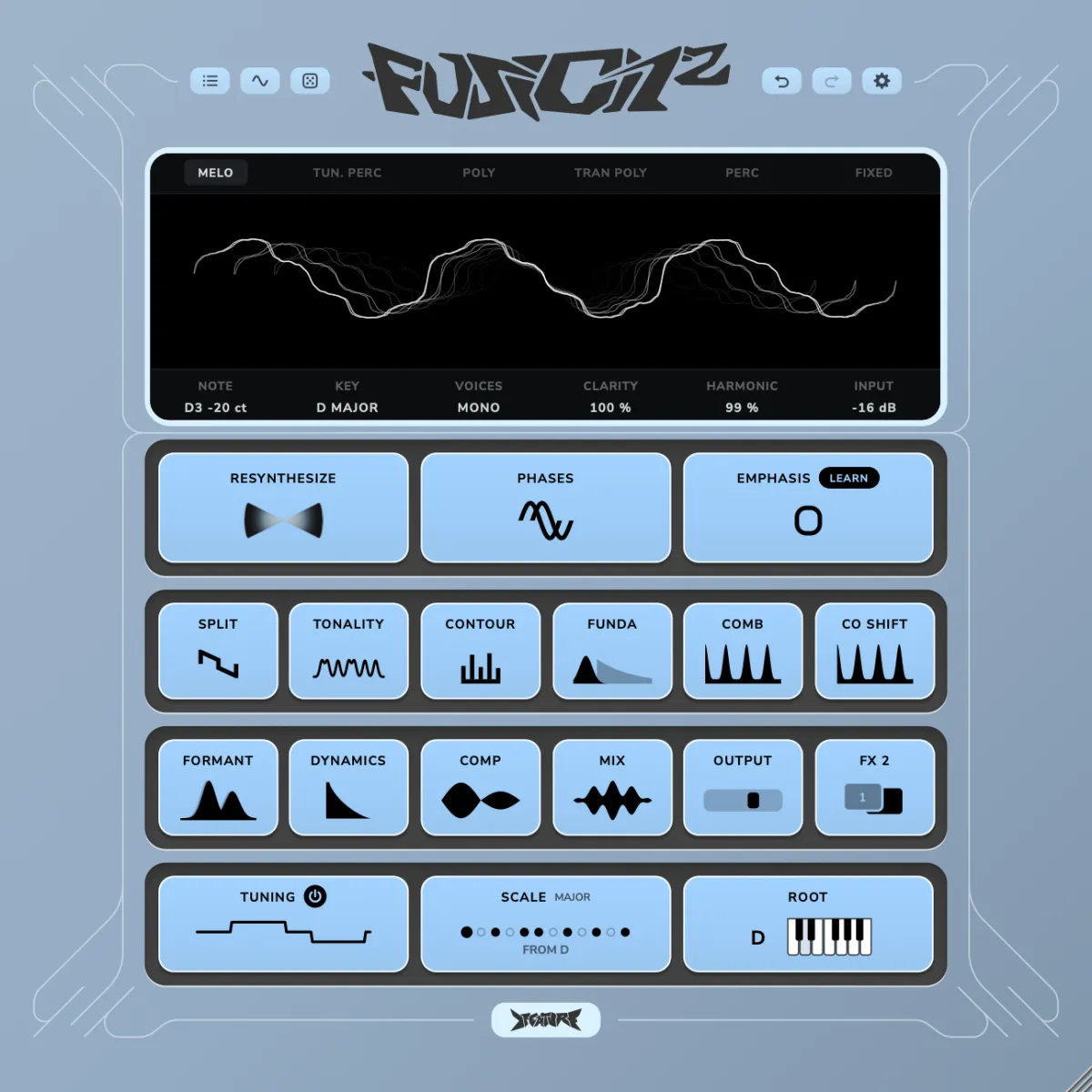
GRAPHIT, ALU, OG FUSION or one of your own. The window scales from 75 to 200 %.
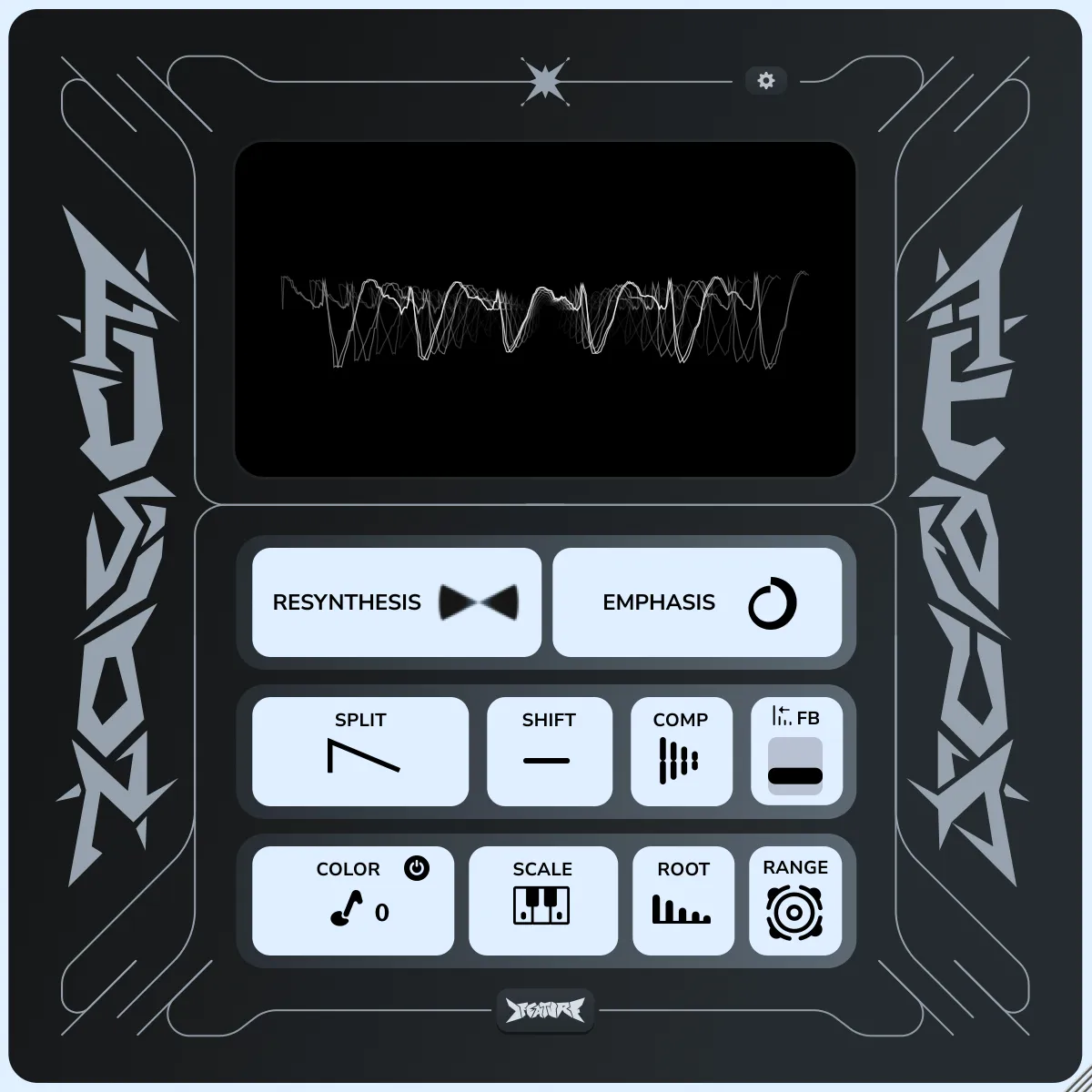
Switch the engine to Legacy and the original FUSION is back, with its own panel. It sounds identical, and it has been rebuilt to need about an eighth of the CPU the original did.
8× less CPU than the original
Sign in with the account you bought FUSION 1 with. The shop and the cart then show your upgrade price on their own: what FUSION 1 costs counts towards FUSION 2, and you pay only the difference. No code needed.
Yes. Your FUSION 1 license stays yours, it keeps activating, and it stays ready to download in your account, so projects that use it open as before. And FUSION 2 carries it inside: switch the engine to Legacy.
Two at the same time, for example your studio machine and your laptop. When you change computers, deactivate the old one in your account and activate the new one.
Yes. FUSION 2 runs as a full three-day trial, with nothing locked.
 macOS
 Windows